
Challenge
The challenge was to make store operation tools practical for small shops by removing hardware cost, setup complexity, and unnecessary table devices while still supporting orders, requests, menus, statistics, and reports.
 JEMPO
JEMPO

QR STORE OPERATIONS
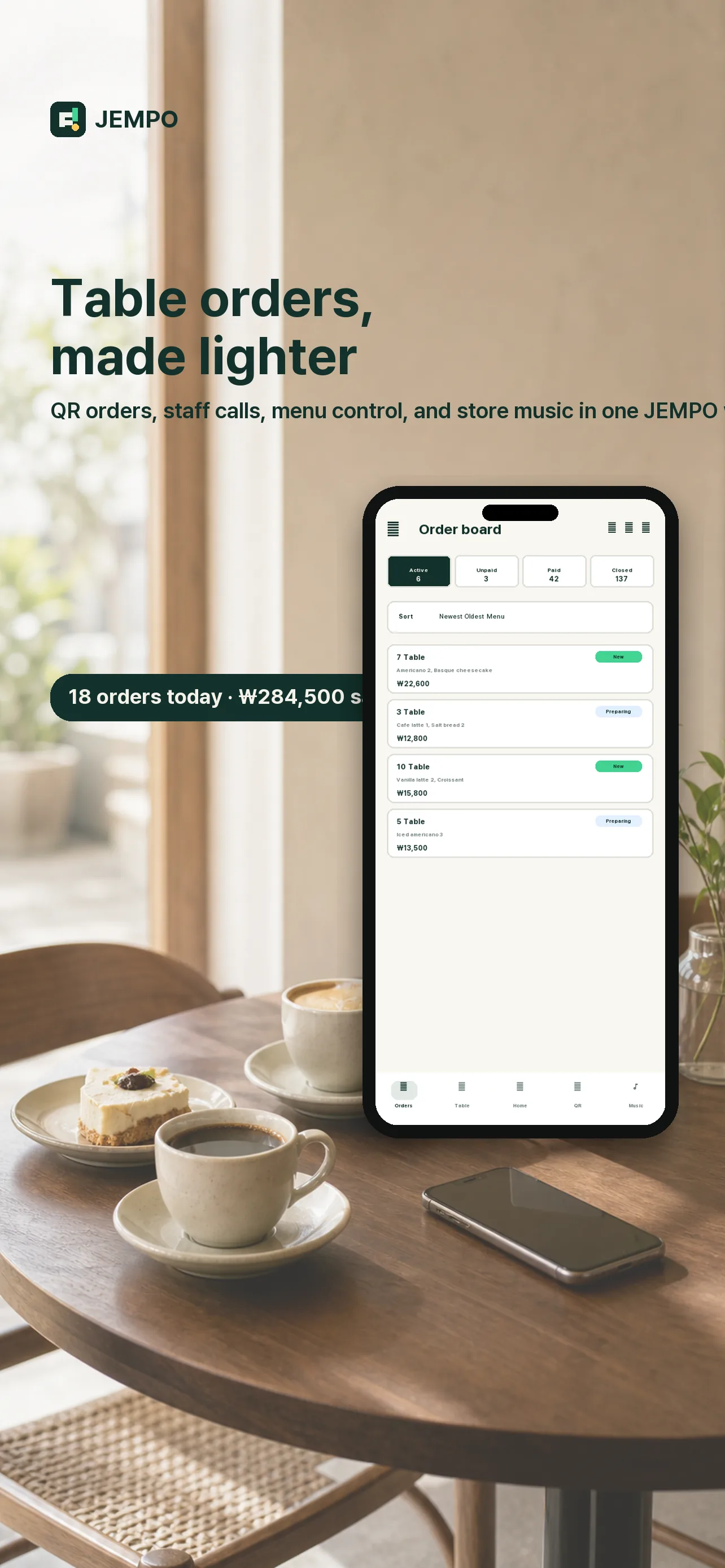
A global table QR operation platform that replaces kiosks, call bells, and installation work with customer QR ordering, staff calls, owner tools, reports, music, and safety support.

The challenge was to make store operation tools practical for small shops by removing hardware cost, setup complexity, and unnecessary table devices while still supporting orders, requests, menus, statistics, and reports.
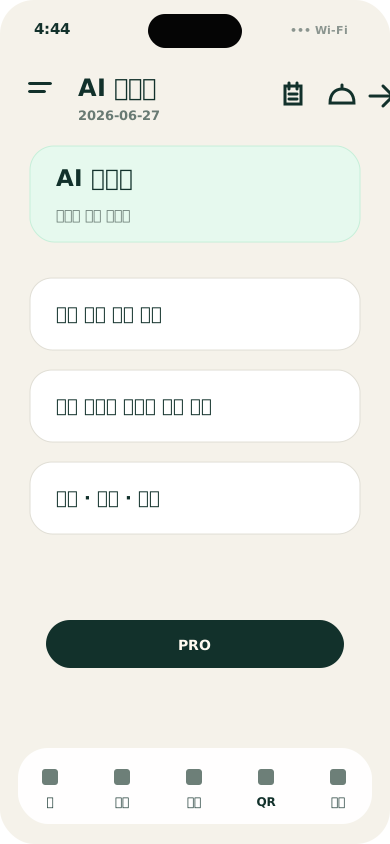
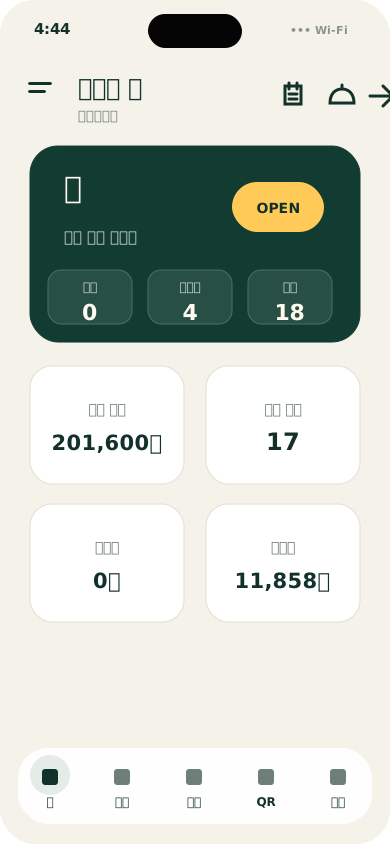
I shaped JEMPO around a QR-first flow where customers order from the table and owners manage everything from the app: menus, tables, order status, unpaid checks, store music, statistics, and AI reports.
JEMPO gives small stores an immediately usable digital operation system while leaving room for premium services such as report export, sharing, and cloud backup.
Product Flow
Coverage
Operation System
JEMPO keeps the customer order and owner operation in one lightweight loop: scan, order, call staff, manage menus, and check store status from tablet and mobile surfaces.

Mobile Proof
These screens show the working loop without turning the page into a full screenshot dump: customer order, owner handling, setup, and reporting.
A customer-facing order path that starts from the table.
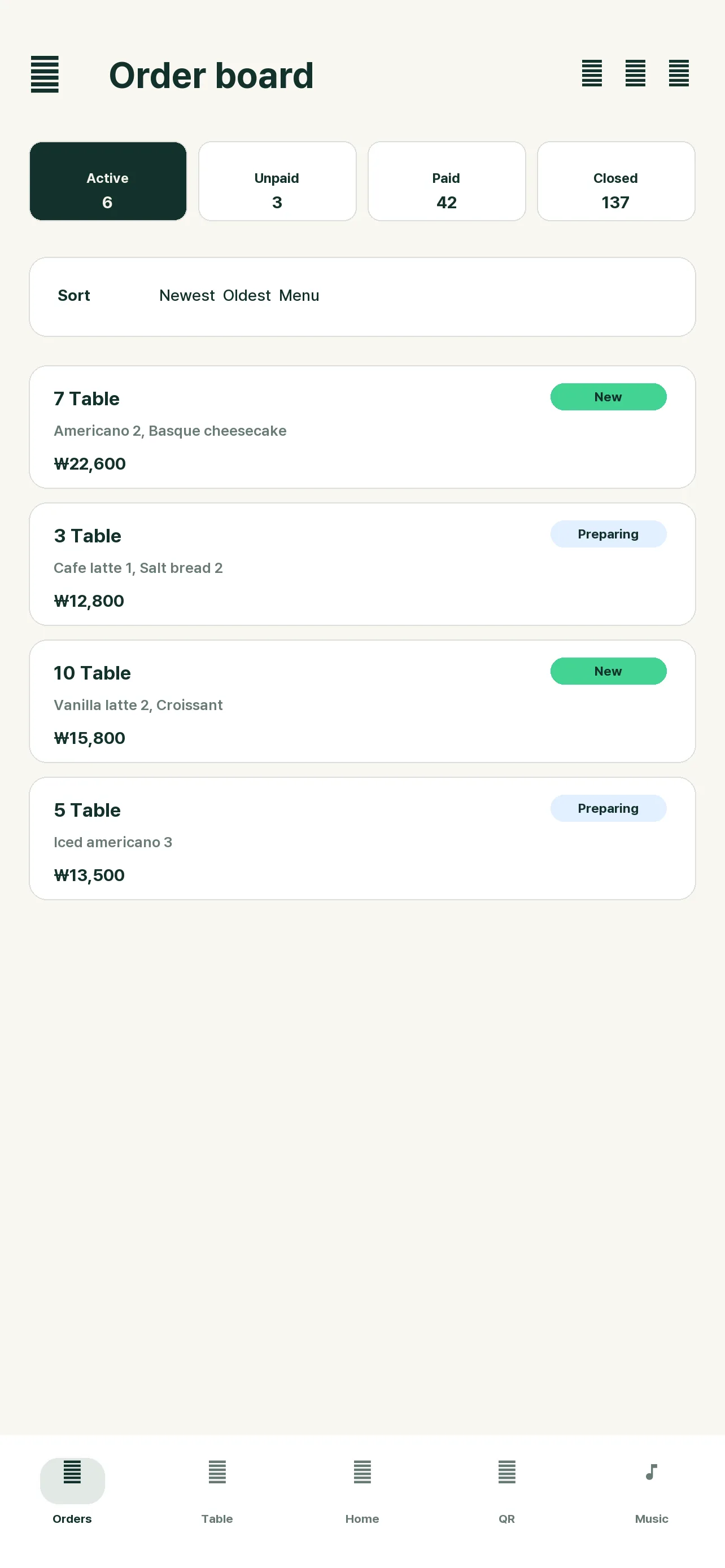
Orders and calls stay readable from the owner app.
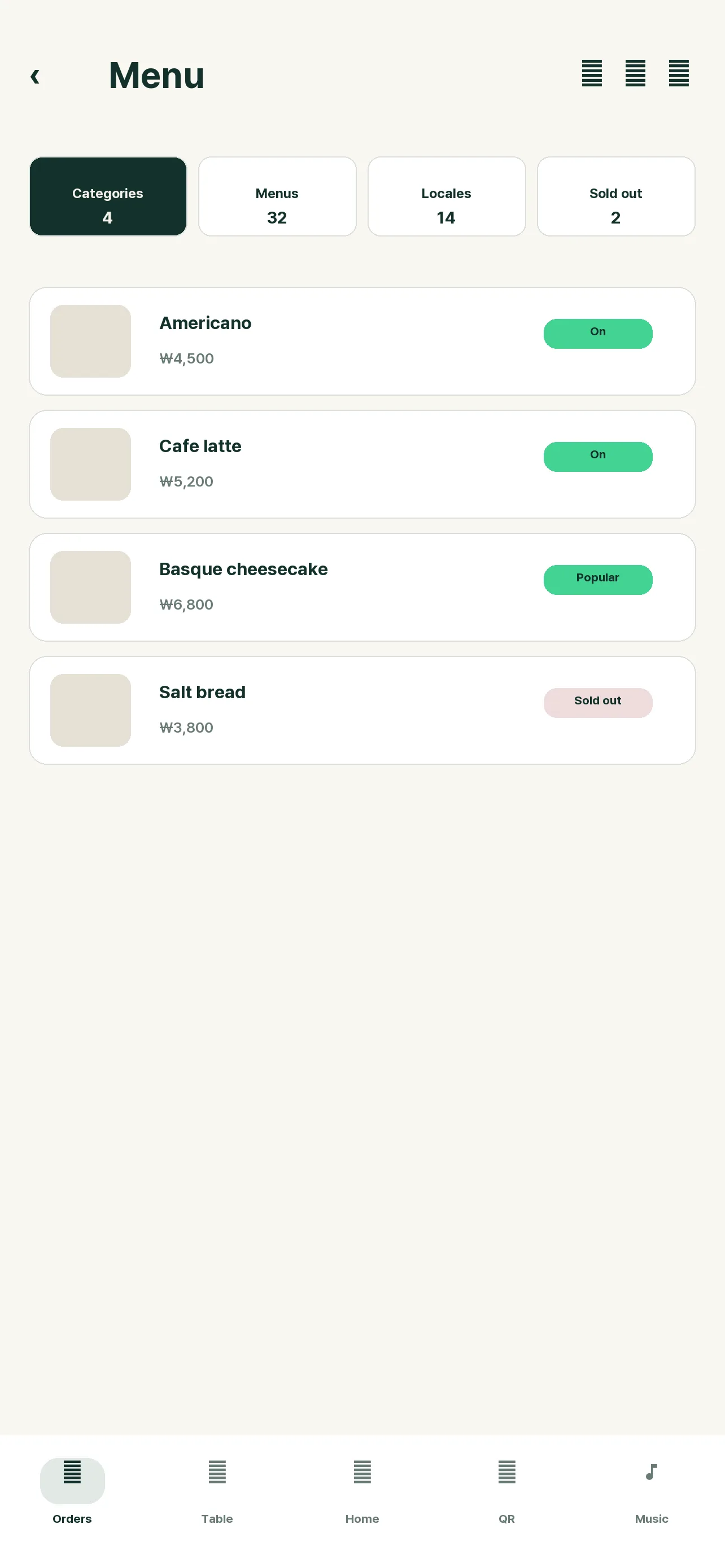
Menu board capture turns store setup into a faster workflow.
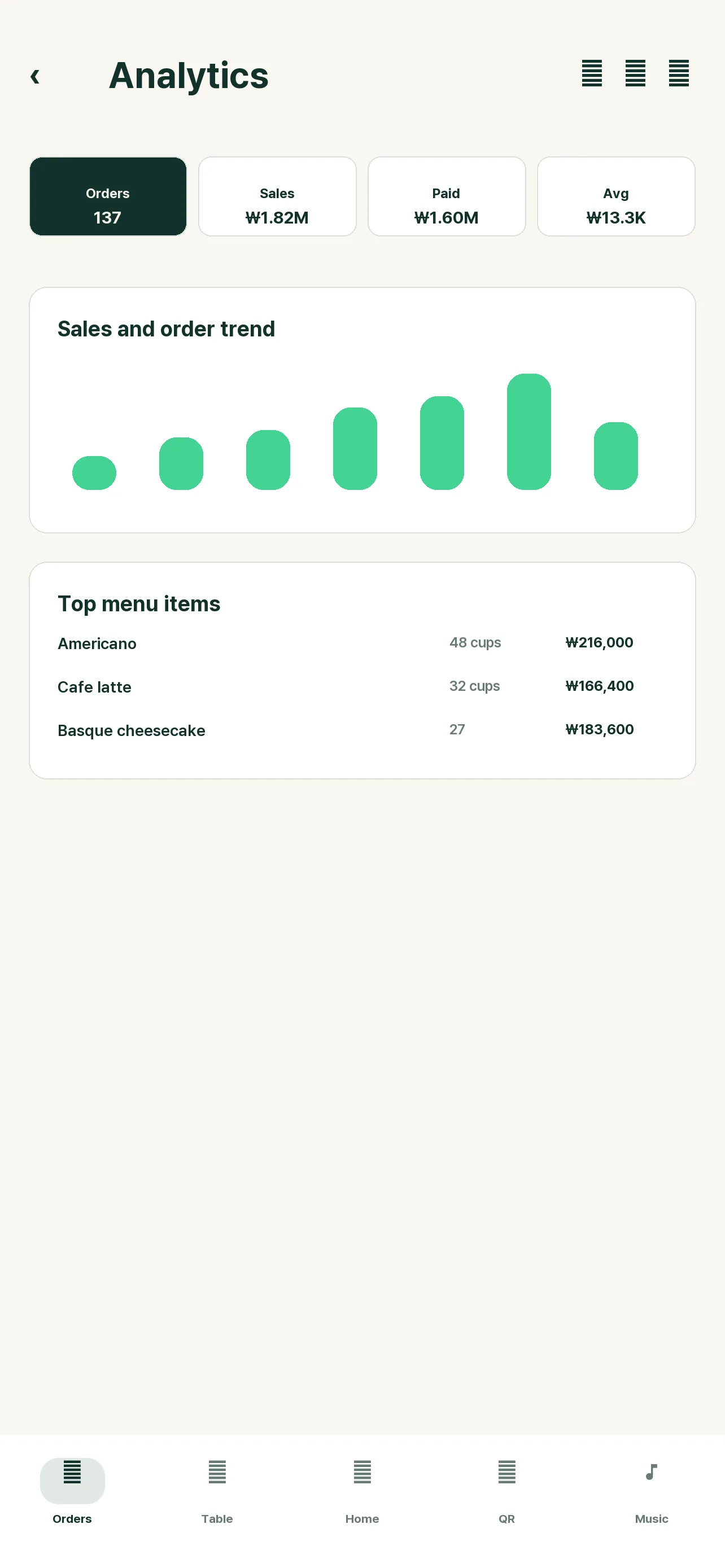
Daily operation data becomes a usable report surface.
System Scope
Instead of showing every screen at once, JEMPO is summarized by the operating areas that matter to a store owner.
Customers scan a table QR, browse the menu, place orders, and send detailed staff requests.
Orders, calls, tables, unpaid status, menus, settings, QR downloads, and business hours stay in the owner app.
Country, city, timezone, currency, language, and multilingual menu data support tourist-heavy stores.
Statistics, AI reports, PDF export, sharing, and cloud backup turn daily operation into reusable records.
Background music belongs to the same operating surface instead of a separate tool.
Emergency call shortcuts and warning sound flow support small stores during risky moments.