

Tinkibu Little Home
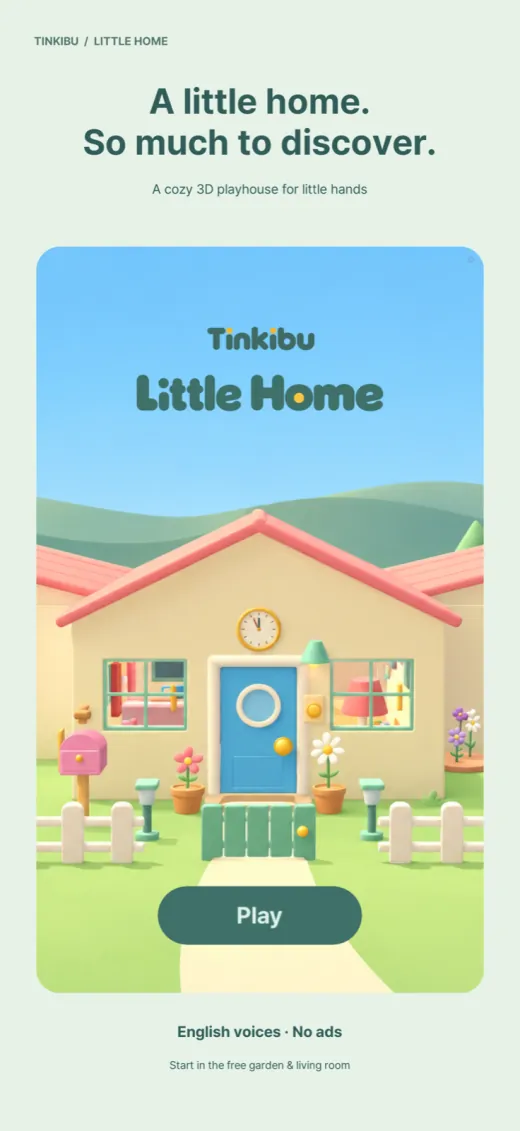
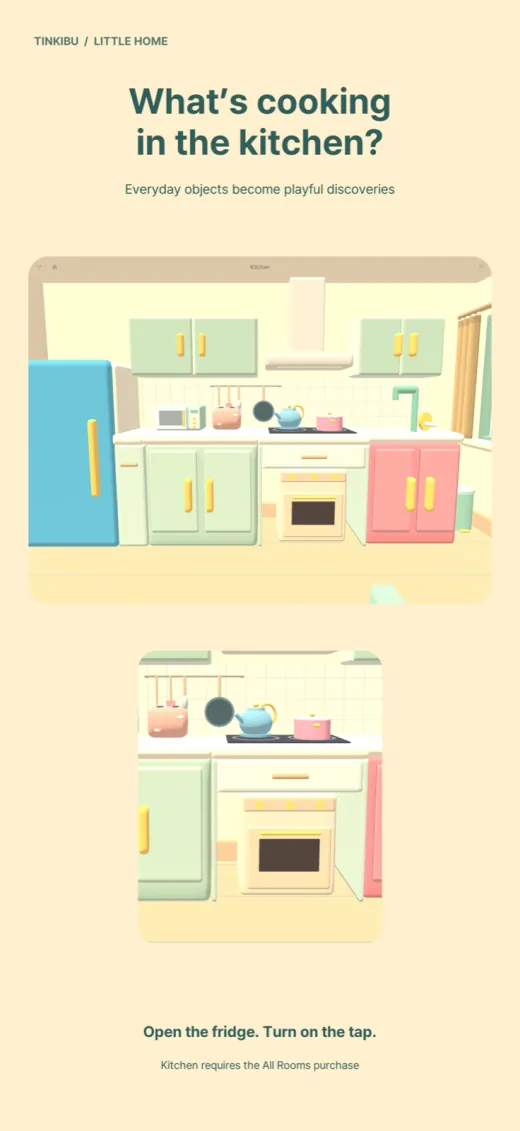
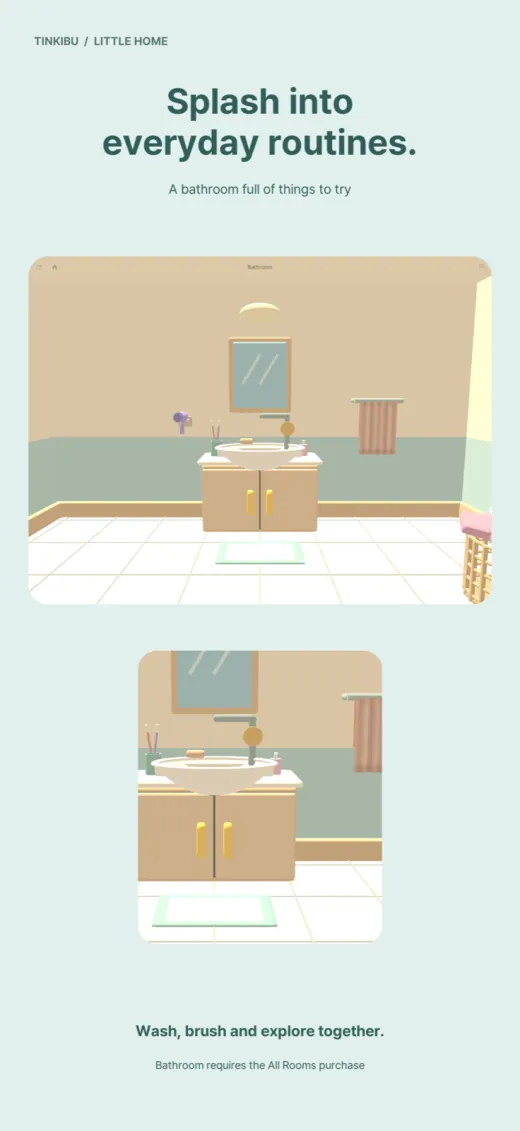
A cozy 3D playhouse for curious little hands. Explore the garden and living room for free; one purchase opens the kitchen, bedroom and bathroom.
- Platforms
- iOS · Android
- Built with
- Godot 4.4 · StoreKit 2
- Pricing
- Free · one-time unlock for 3 rooms
- For
- Ages 3 and under, with a grown-up
Toddler apps often reduce a home to flat icons and a bright voice saying a word at you. Little Home is built the other way round: a small 3D house the child walks into, where doors swing, curtains slide, taps run and a clock hand turns. English names are spoken only when something happens, as a short description of what the child just did. There is no quiz, no score and no reading required.
What it does
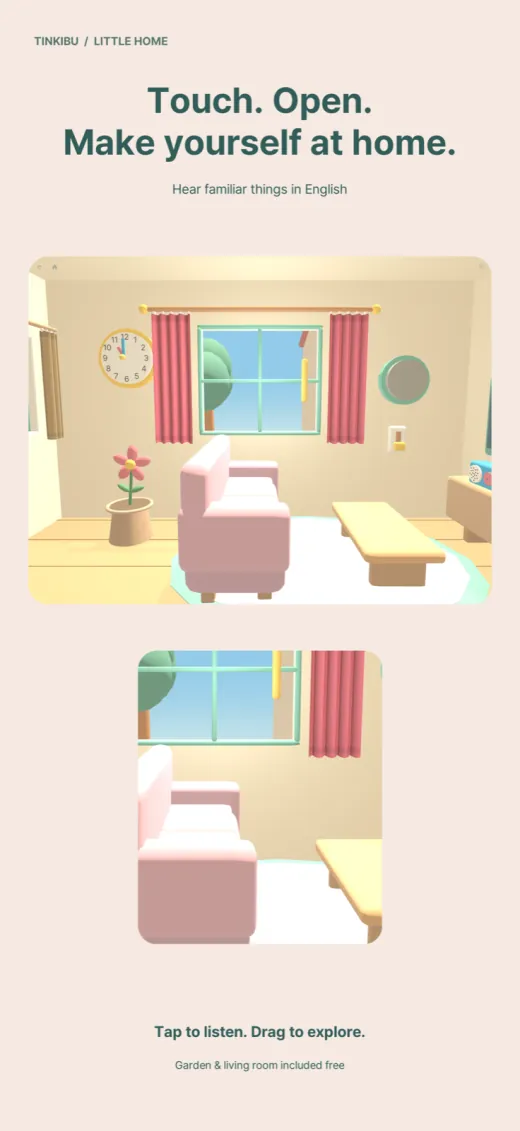
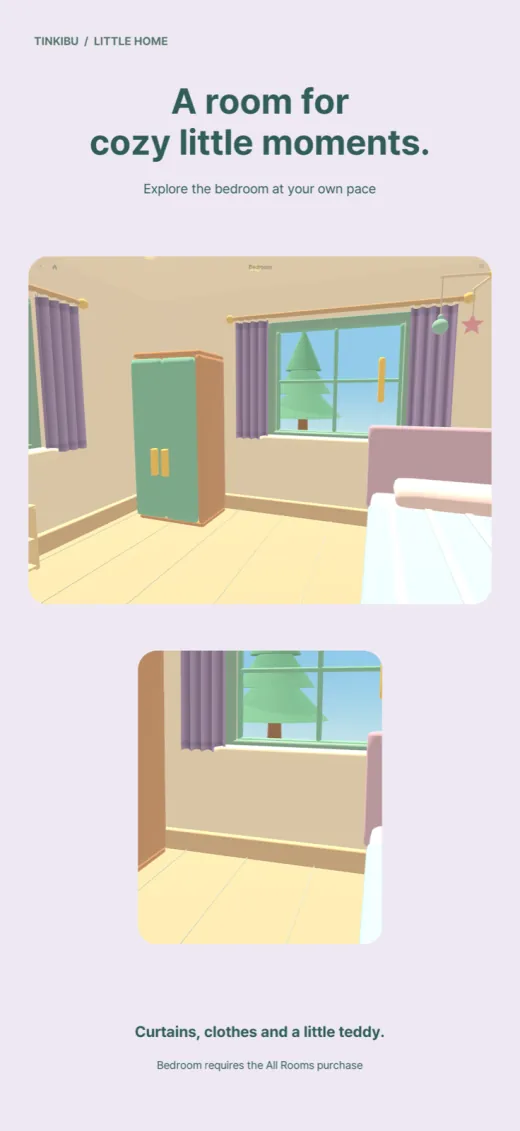
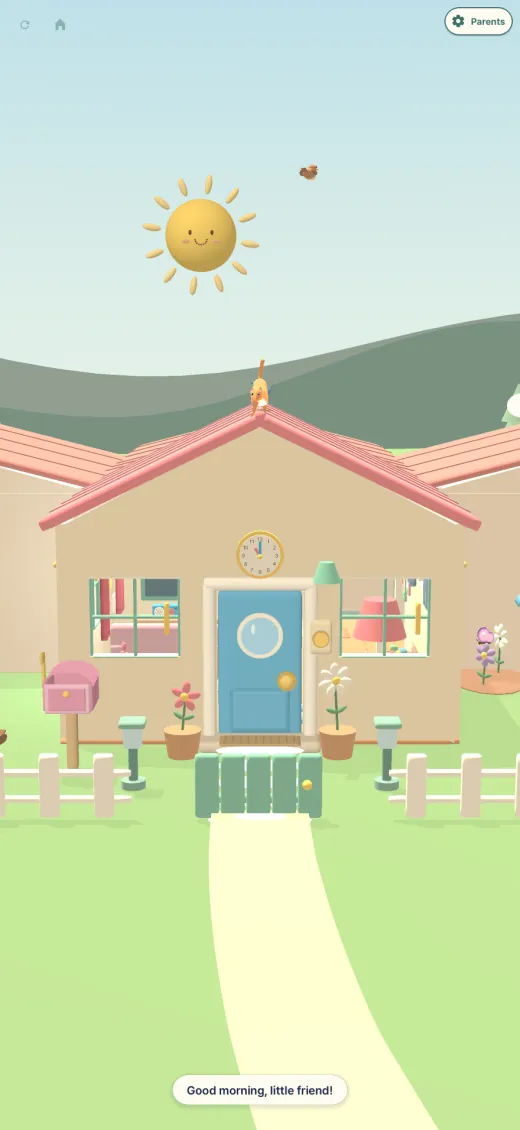
- Five places to exploreA 3D home with a garden, living room, kitchen, bedroom and bathroom.
- Touch everythingTap everyday objects to hear their English names and playful reactions.
- Doors, windows, clocksDrag doors, windows and curtains, turn the clock hands, swipe to look around and pinch to zoom.
- Time and weatherSun, moon and weather change the scene. A parent can pick a city to show its real weather.
- English voicesThe interface, narration and character voices are in English.
- Safe for small handsNo ads, no tracking SDKs, no account. Purchase and restore live behind a parent check.
Design choices
Every object answers physically
Planning started from a table of everyday objects, each with a real child action: pull the fridge handle, turn the faucet, flip a switch up, slide the curtain. Controls are large and spaced apart, and the result always matches the thing touched, so the spoken name and the visible motion agree.
Random lines, never repeats
Each major object has a pool of 10 authored reactions, 27 object groups and 270 lines in the project data. The app picks one that fits the current state and avoids the last three used, so tapping a window twice does not repeat itself. Not all 270 are wired to full performances yet.
Sound that tells materials apart
The first sound pass used near-identical sine blips, so a door and a fridge were hard to tell apart. The redesign gave wood doors, plastic fridge seals, fabric curtains, ceramic basins and metal sinks different textures, with moving parts using looped files and a limiter that softly ducks effects under narration.
Parents hold the keys
Entering parent settings takes a 1.8-second press and an arithmetic question. Purchase, restore and the optional weather city all sit behind it. A parent can pick one of five preset cities to show real weather; there is no precise-location permission, and the child screen never shows a price.
How it's built
A 3D house built in Godot
The house, furniture and garden are modelled from code with rounded meshes and separate hinges, hands and handles, then rendered in Godot with the GL Compatibility renderer for broad phone support. Camera drag rotates continuously, and a tap eases the view toward the object.
Eight narrators, recorded lines
Eight English voices each read the same 62 play lines, 496 clips, and a parent picks and saves a voice in settings. A later name-only pass brought the voiced bank to 616 files. Narration is pre-recorded, and the project notes list no generative AI running during play.
Purchases and weather, no tracking
One non-consumable purchase unlocks the kitchen, bedroom and bathroom, using a StoreKit 2 plugin on iOS and the Play Billing plugin on Android. City weather comes from a server relay for Apple WeatherKit with an allowlist of five cities and a 30-minute cache. There are no ads or analytics SDKs.
Checked in the engine, honestly
Godot check scripts inject real touch and drag events to test the parent gate, city picker, scrolling and room transitions. The release notes are explicit that this is a Mac render, not a real phone, and that real store purchases were not verified. Apple review asked Kids Category questions, and the app was resubmitted.