Tinkibu RattleBox
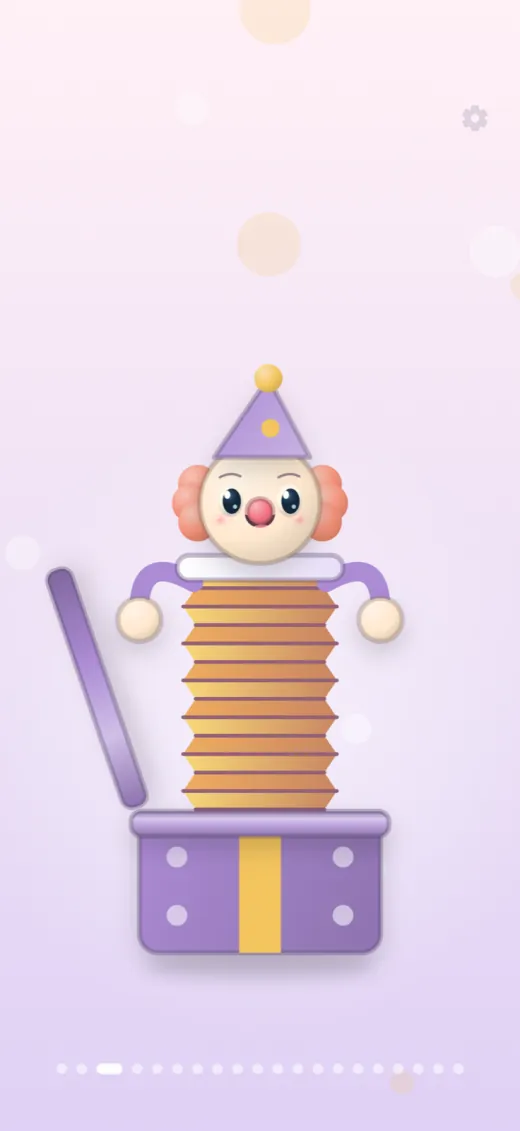
A little box of musical surprises. Shake, tap and drag 20 playful toys, each with its own movement and sound. No ads.
- Platforms
- iOS · Android
- Built with
- Flutter · SoLoud audio
- Pricing
- Free to start · one-time PRO
- For
- Infants and toddlers, with a parent
Most baby rattle apps treat every toy the same: one shake, one sound, wrapped in ads and pop-ups a toddler can tap into a store page. RattleBox starts from the opposite idea. A rattle is a small physical thing, so each of the 20 toys has its own way of moving and its own sound, and nothing sounds unless something actually strikes something. The child screen has no text, no score and no way to fail. It is a box of toys, not a game.
What it does
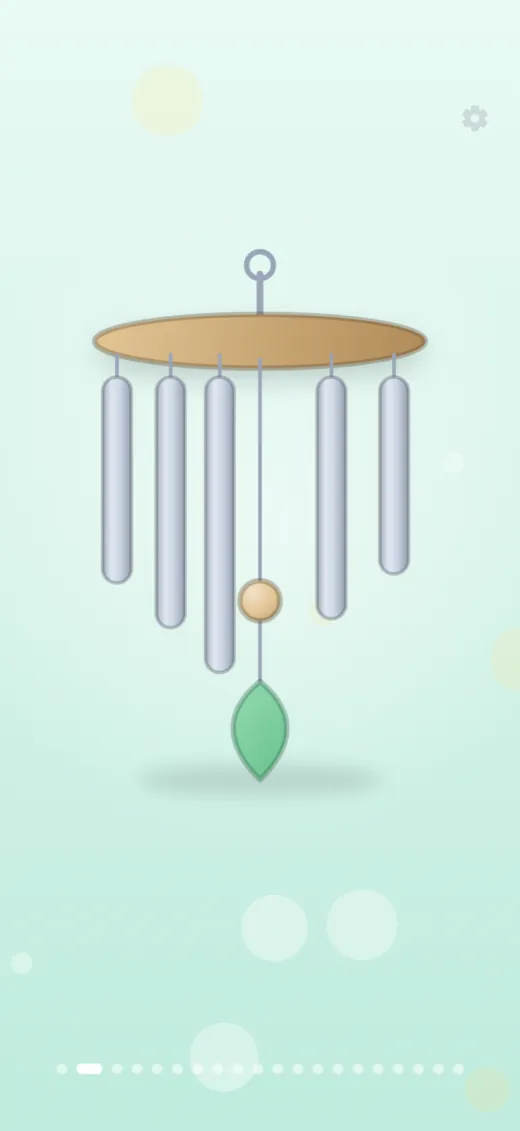
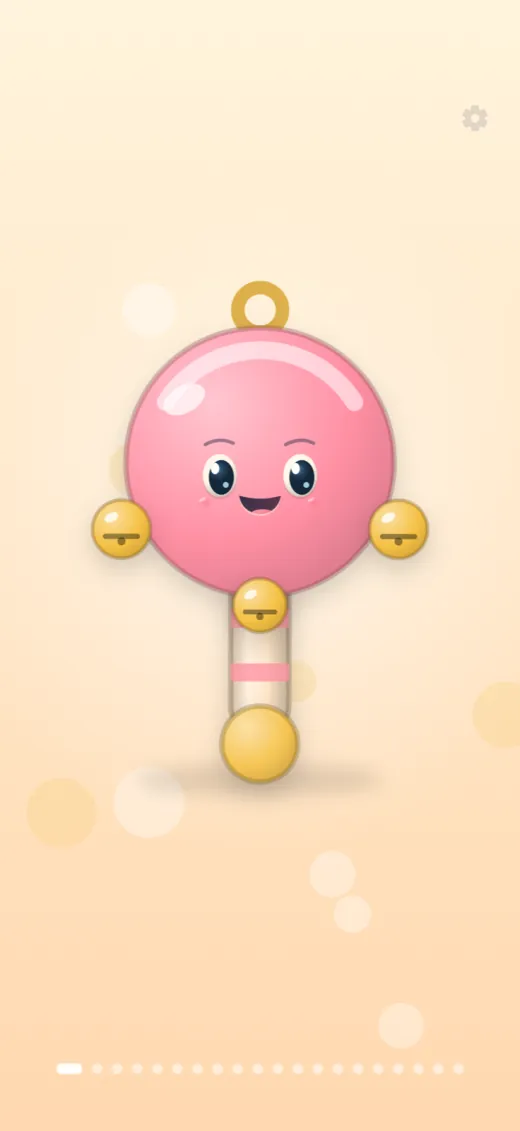
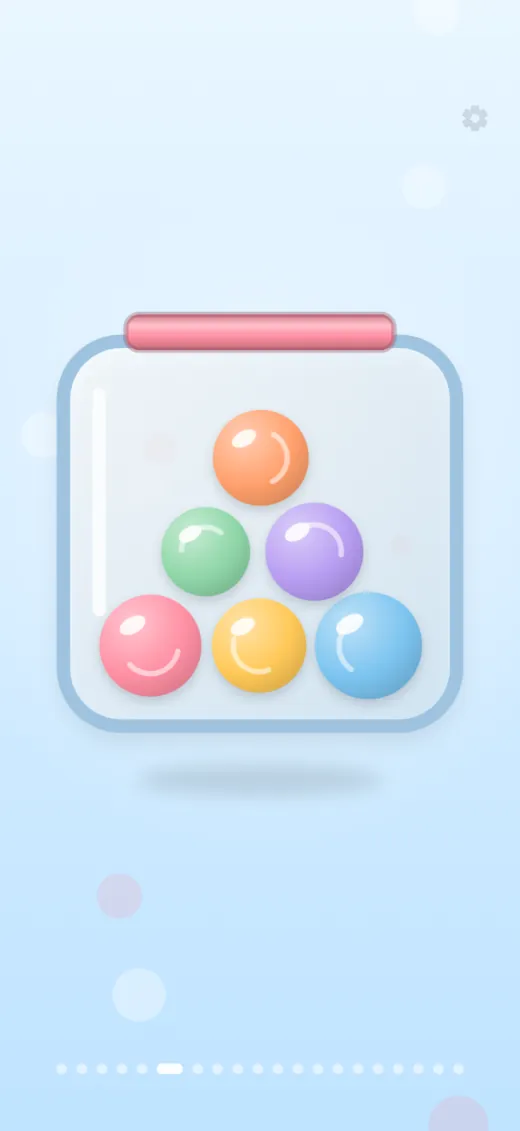
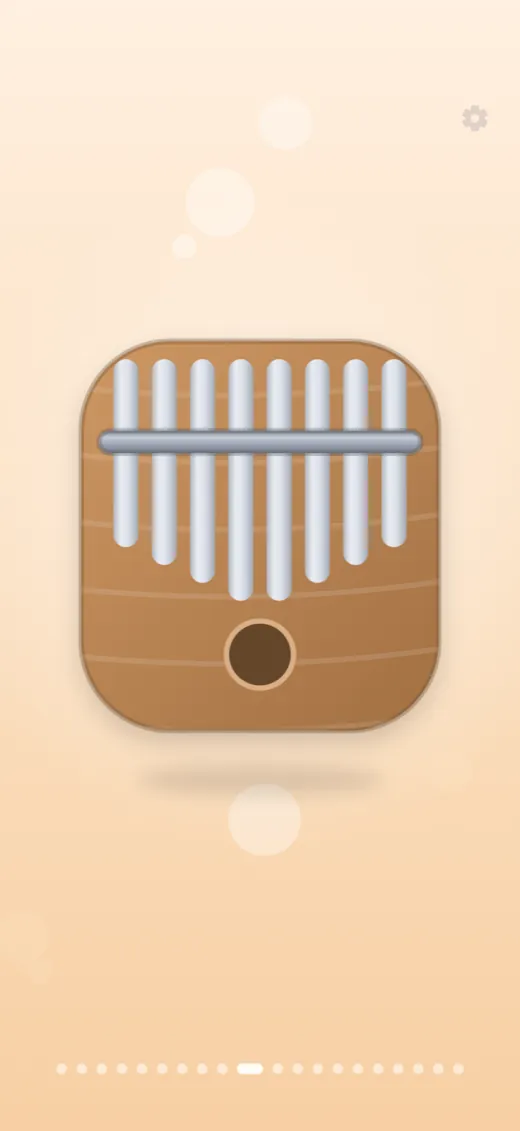
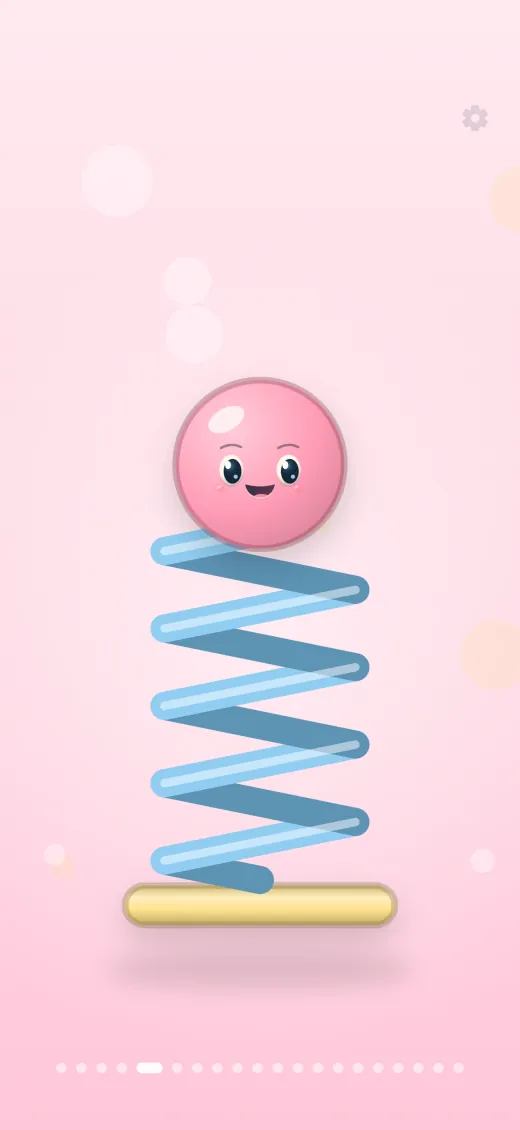
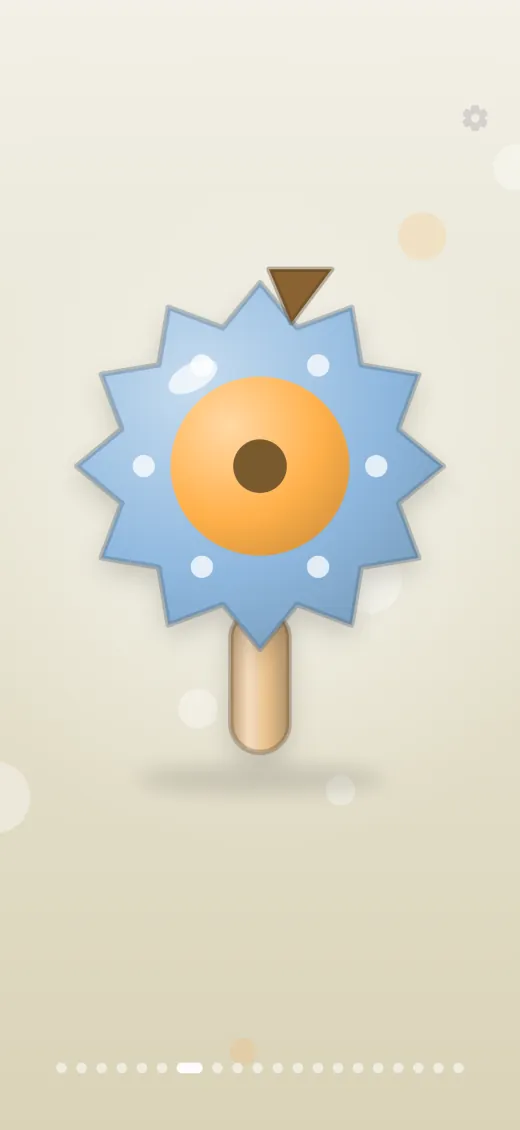
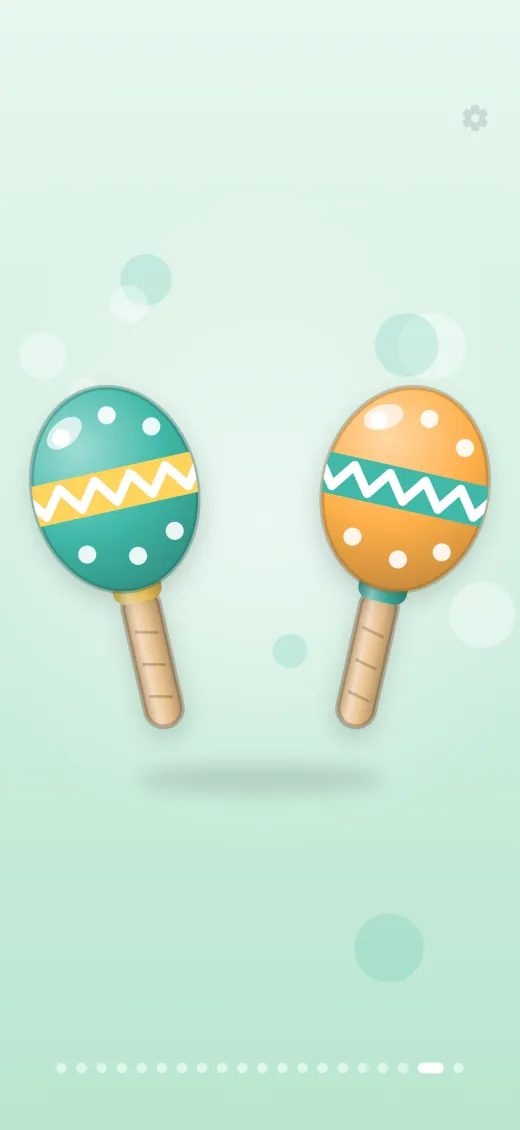
- 20 sound toysBells, wind chimes, xylophone, kalimba, tambourine, maracas, marbles, a spring toy and more.
- One gesture eachTap, shake, tilt or drag: every toy reacts to its own gesture, and the harder you play the louder it gets.
- Calm by designNo ads, no accounts, no tracking SDKs. Sounds work offline and the child screen has no text.
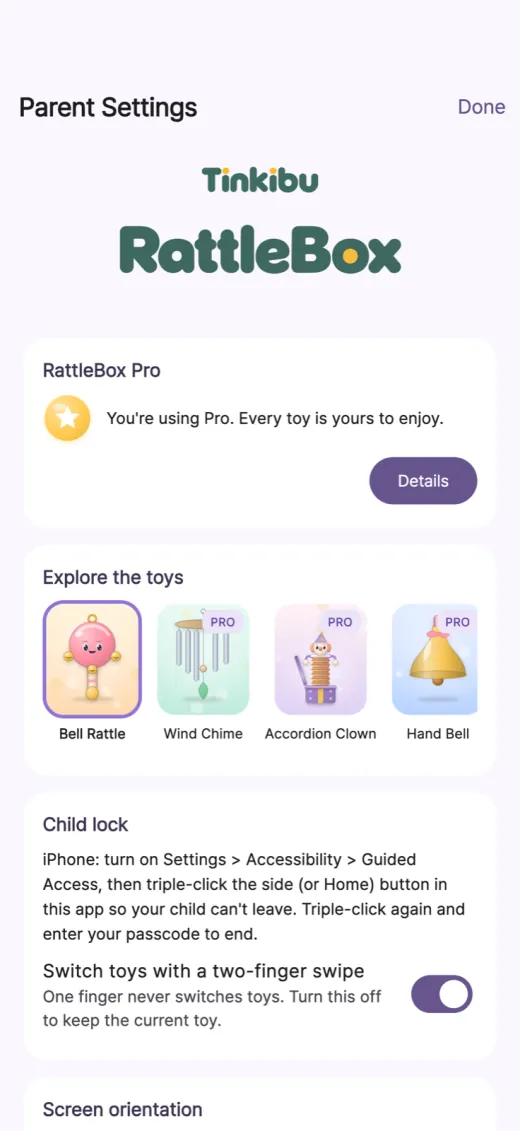
- Parent settingsVolume, motion sensitivity, play timer and hidden toys, behind a parental gate.
- Fair to tryThe first bell is free forever and every PRO toy can be tried for 5 seconds before a single one-time purchase.
- Five languagesEnglish, Korean, Japanese, Simplified Chinese and Spanish.
Design choices
Each toy has its own physics
Early planning gave every rattle a different main gesture, then device testing showed continuous looping sounds felt wrong. The shipped toys sound on impact: a clapper hits a wall, a marble bumps a marble. Sound only happens when something collides, and the speed of the hit sets the volume, never the pitch.
No failure state
A baby cannot make a precise gesture, so every toy also answers a plain tap and any phone movement. There is no wrong move and no feedback telling the child they missed. Palm-sized touches and grip-edge touches are ignored, and changing toys takes a two-finger swipe so a tapping finger never skips away by accident.
Nothing to buy on the child screen
Purchases are a parent decision. The gear icon needs a roughly two-second press and then a spoken arithmetic question, and Purchase and Restore live only in parent settings. Each PRO toy has a 5-second hands-on trial and the first bell is free forever, so a parent can judge the app before paying once.
Parents tune it, kids just play
Parent settings hold volume, motion sensitivity, vibration, orientation, a play timer, which toys are visible and keep-screen-awake. Child-lock guidance is included. The first launch shows a short parent walkthrough with the real toy art, so the grown-up sets the stage and the child screen stays uncluttered.
How it's built
Low-latency audio on Flutter
The app is Flutter with the flutter_soloud engine, chosen so a shake or tap can trigger layered samples with minimal delay. Toy sounds are short recorded samples cut and level-matched by strength, with the source and licence of each recorded in a project sound table. Playback works fully offline.
Sensors checked at launch
On start the app probes the accelerometer and gyroscope for up to 0.9 seconds. Toys that need a missing sensor are hidden and listed in parent settings, and devices without motion sensors fall back to tap-only play. Motion is computed in software from raw acceleration so every phone behaves the same.
Native purchases, no third-party SDK
PRO is one non-consumable purchase handled through native StoreKit 2 on iOS and Google Play Billing on Android, bridged to Flutter by a small method channel. There are no ad, analytics or crash-reporting SDKs and no accounts. The App Store privacy label is Data Not Collected.
Tested toy by toy
The project has 37 test files covering the motion engines, sensor fallback, audio strikes, trial timing, purchases, parental gate text and layouts. Engines are driven by fake sensor values plus recorded traces; only the bell was tuned against a real recorded hand motion in the notes, and the rest rely on those tests.