Band Mate Easy Bass
Band Mate
Enter bass notes in order, then play them by tapping the screen in your own rhythm.
- Platforms
- iOS · Android
- Built with
- Swift / SwiftUI · native Android
- Pricing
- Free · no account
- Languages
- English · 한국어 · 日本語
Playing in a band is hard when you do not know the bass line by hand, but most people can tap along in time. Easy Bass takes the fingering out of the job. You enter the notes of a line once, in order, and then play them by touching the screen, so your timing and your muting are what make it sound like a bassist. It is meant for people who want to join in without learning the fretboard first.
What it does
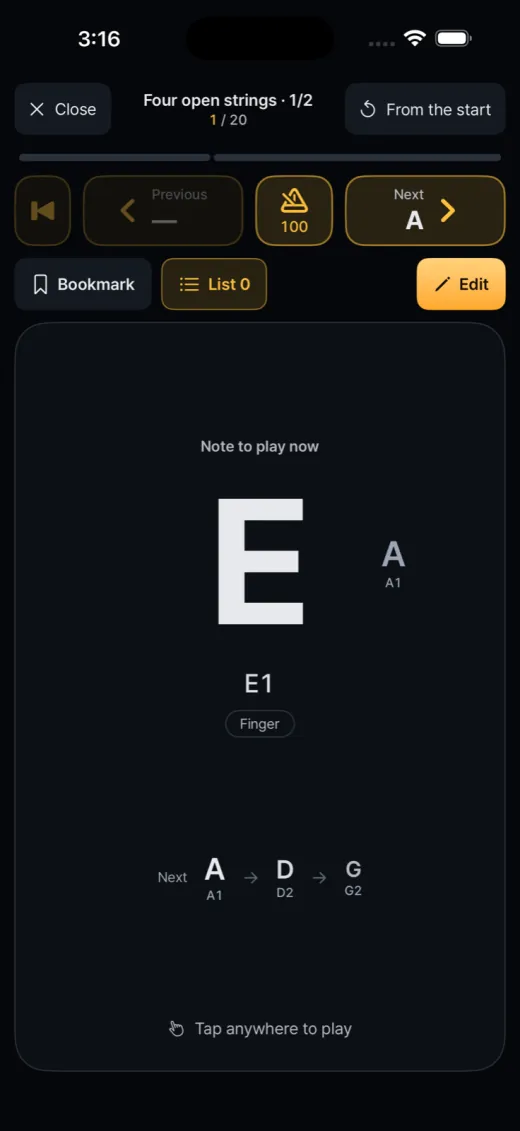
- Song playEntered notes come up one at a time. Touch anywhere to sound the note, lift to damp it; the rhythm is your finger timing.
- Free play (iOS)Place note pads with a technique each and resize the layout to your hand.
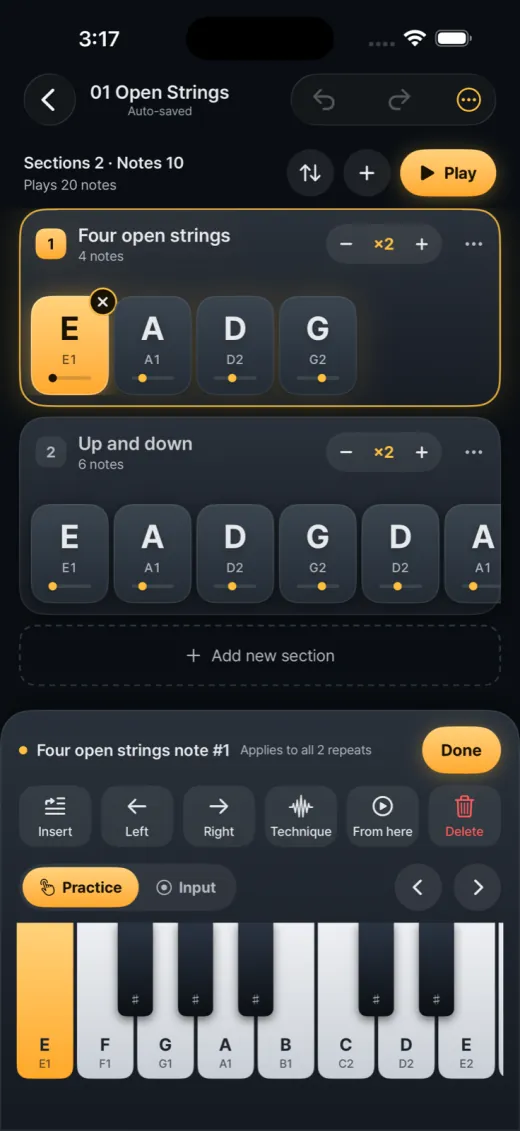
- Note entryOn-screen piano keyboard, sections with repeat counts, undo/redo and auto-save.
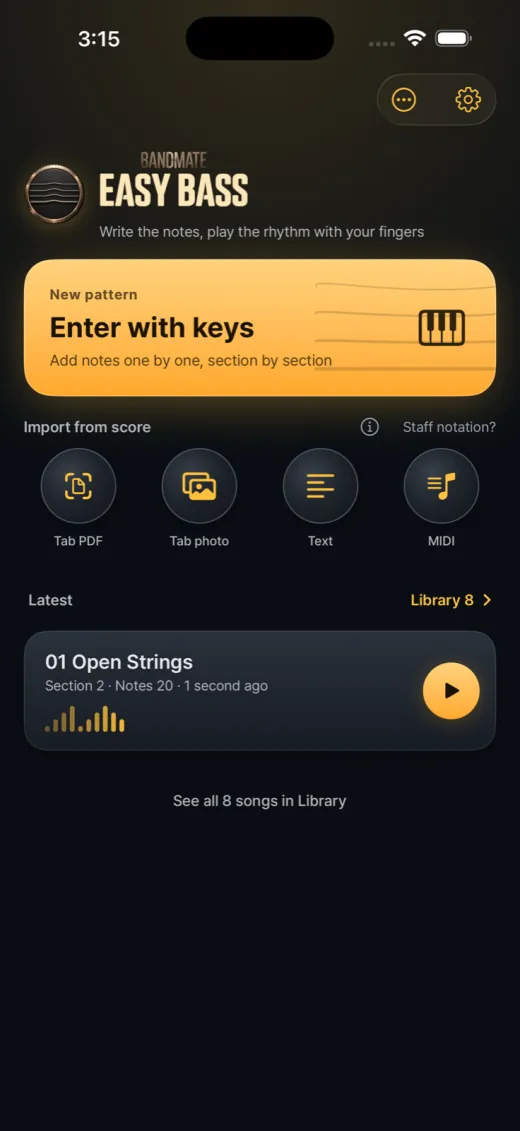
- ImportBring in notes from a bass tab (PDF, photo, text) or a MIDI file.
- Playing techniquesFinger, slap, pop, ghost notes, hammer-on, pull-off and slides per note.
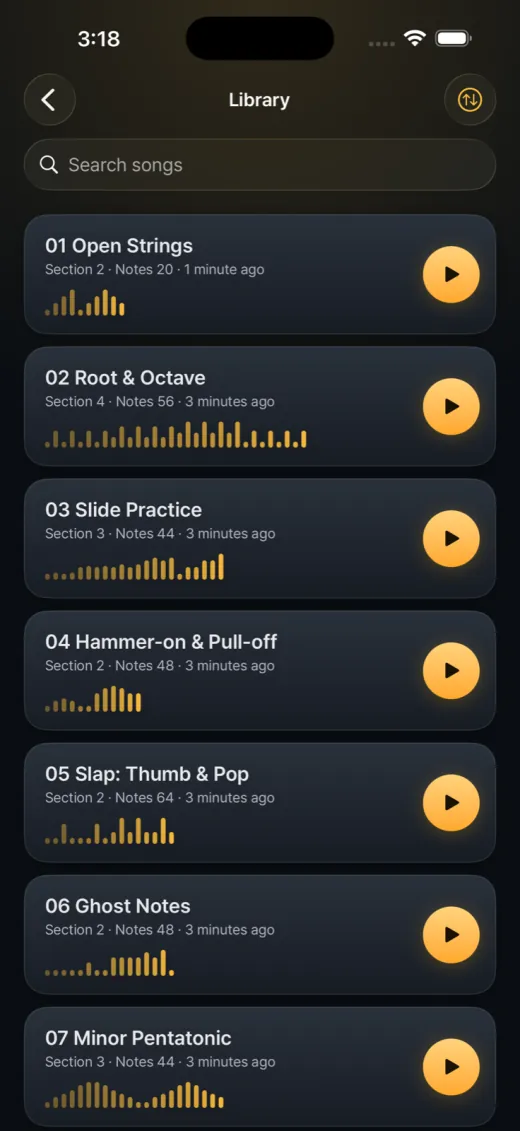
- LibrarySearch, organise and bookmark songs, and export them one by one as files.
- Built-in metronomeA BPM chip in the play view, plus Previous and Next note controls.
- Free and privateNo account, no in-app purchases; songs stay on your device.
Design choices
No note lengths, ever
A song stores only the order of notes. How long each note lasts, and where the rests are, comes from your finger: touching sounds the note, lifting mutes it. Nothing advances on its own, so the rhythm is always yours rather than a timer's.
The latest finger wins
When you alternate two fingers quickly, a new touch can land before the old one lifts. The touch surface tracks the most recent finger: a new touch re-strikes the next note, and releasing the earlier finger afterwards does not mute it. Fast patterns do not drop notes.
Sections with repeat counts
A song has hundreds of notes, so it is built from sections such as intro, verse and chorus, each with its own repeat count, one scrolling row per section. You type the notes of a verse once instead of four times, and the play view follows the expanded order.
Bring a tab in, check what was read
Notes can come from a pasted text tab, a PDF, a photo or a MIDI file. Vector PDFs are read directly from their drawing instructions; other PDFs and photos fall back to image recognition. The import screen shows the result for correction, and the plan states that hand-written or low-quality photos are not guaranteed.
How it's built
Real bass samples, with a fallback
The sound comes from FreePats Finger Bass YR, a CC0 recording of a Yamaha RBX, plus slap-thumb and slap-pop banks, played back at the pitch you chose. If the samples cannot be read, the app switches to a Karplus-Strong string model so it still makes sound.
Low-latency audio on Android
The Android app renders audio in a C++ core ported from the iOS synth and outputs through AAudio, with an allocation-free render path. It falls back to AudioTrack if the native library will not load. The core is plain Kotlin-compatible logic that JVM tests can render directly.
Surviving audio interruptions
On iOS the engine restarts on configuration changes, silences notes when a call interrupts, and resumes the session only when the system says it may. If the media server resets, it rebuilds from scratch on the next start instead of staying silent.
Release regression checks
Each submission runs a release-check tool whose last recorded run, for the iOS build 1.0.1 (23), passed 342 assertions. The Android tab reader is tested against golden output produced by the iOS reader on six synthetic PDFs, so both platforms read the same tab the same way.